Order and customer management for studios and workshops
Last updated:
Dougri is a Hebrew-first system for studios and small workshops that work to order. Every order is kept with a number, a status and a due date, every customer has a card with their orders, files and pasted WhatsApp chats, and new enquiries from your website, Facebook and Instagram land on one board. It suits an owner working alone, too.
What’s in progress, and what’s ready?
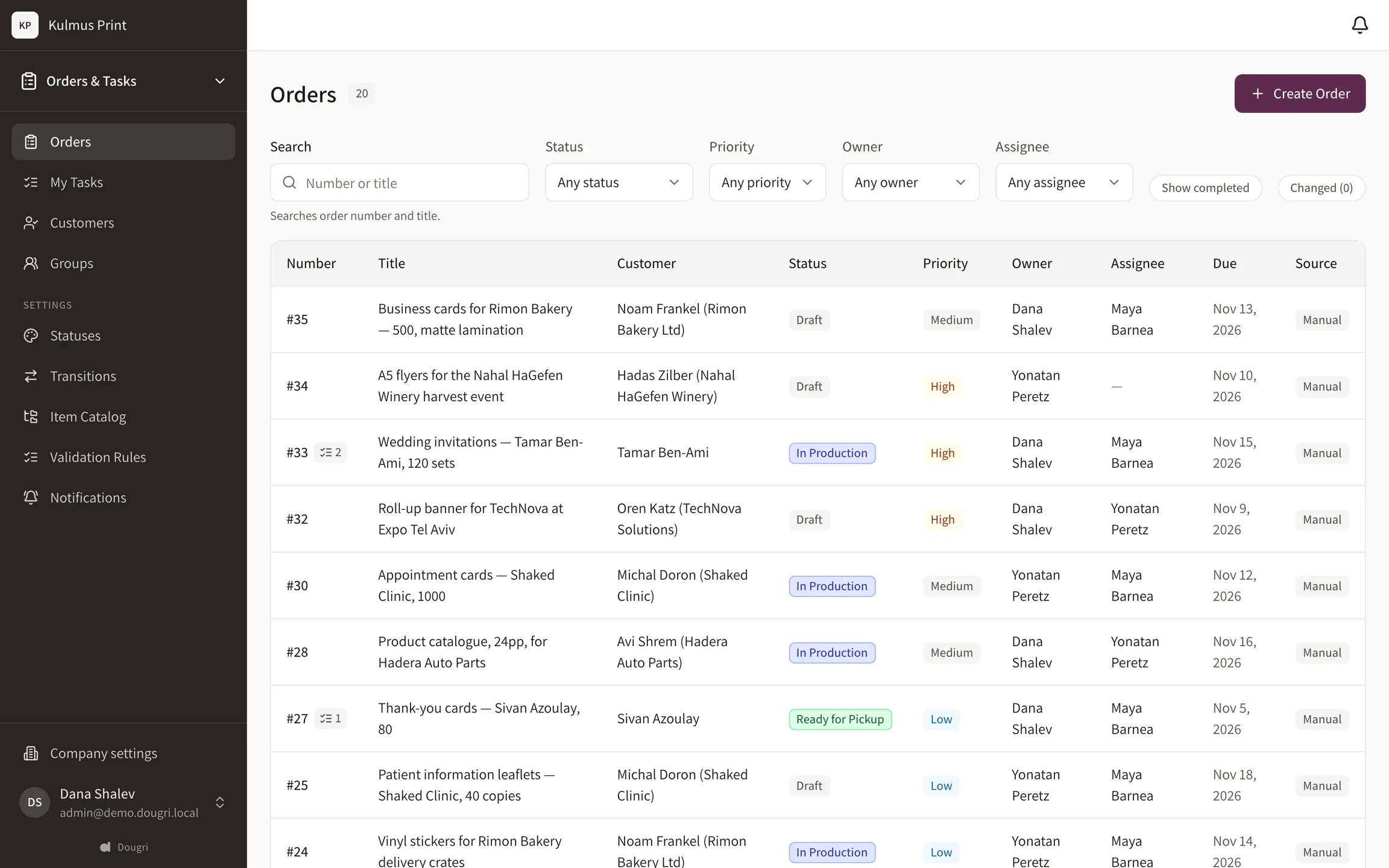
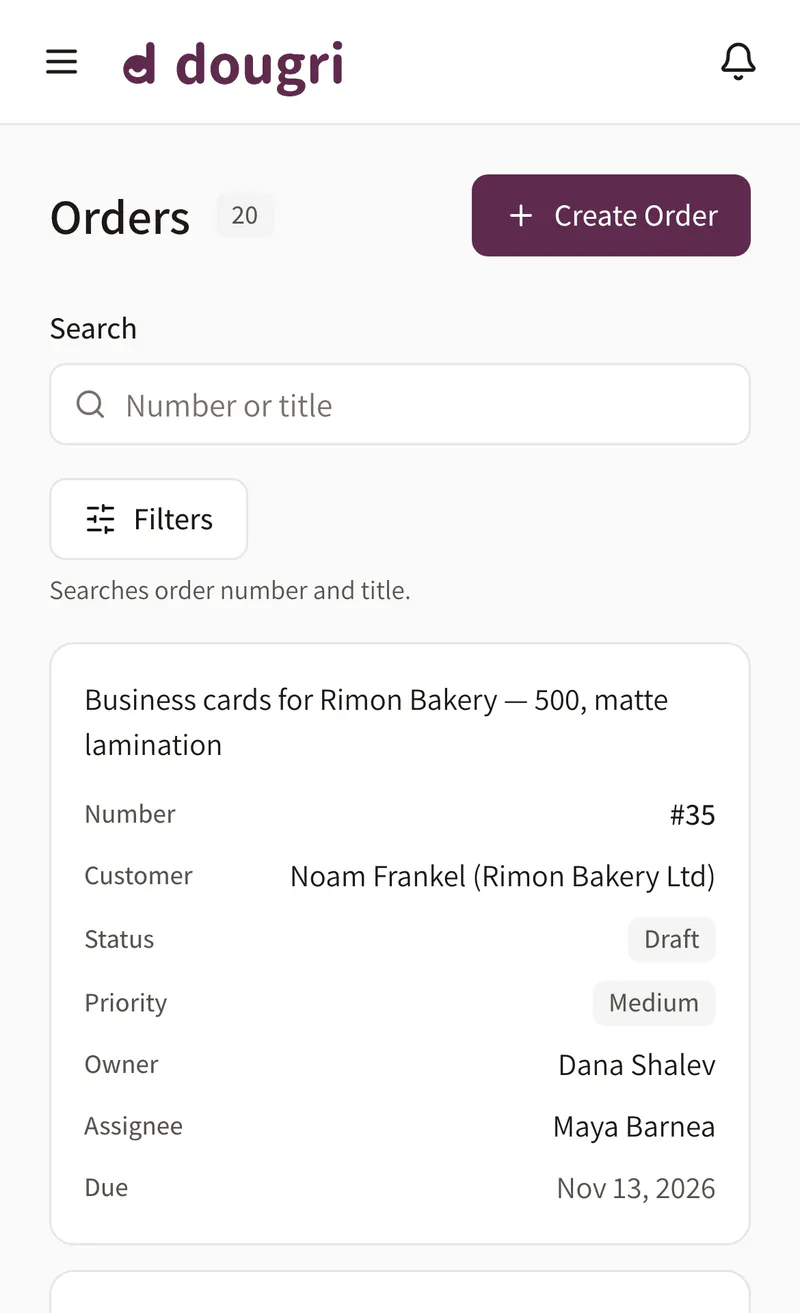
The order list shows every order with its customer, status and due date, and you can filter by status. From Team up, you define the statuses around the way you work, such as Sketch, In progress and Ready for pickup, and give each one a colour. On Solo the statuses come from a ready-made template.
Your own statuses (on Solo: from a ready-made template)
Nine preset colours
A due date on every order
The order list. Demo data from a print shop.
What exactly did they ask for?
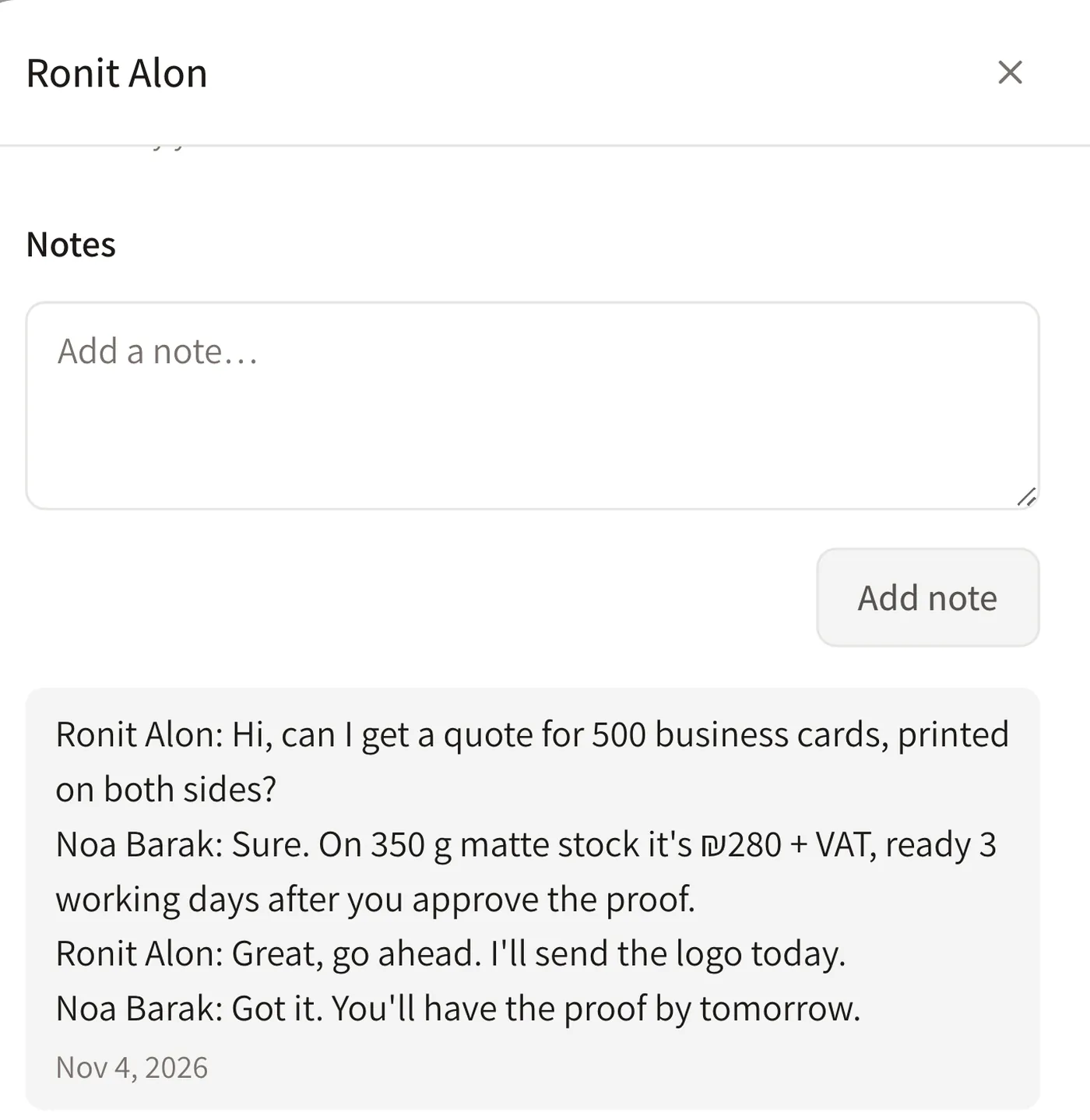
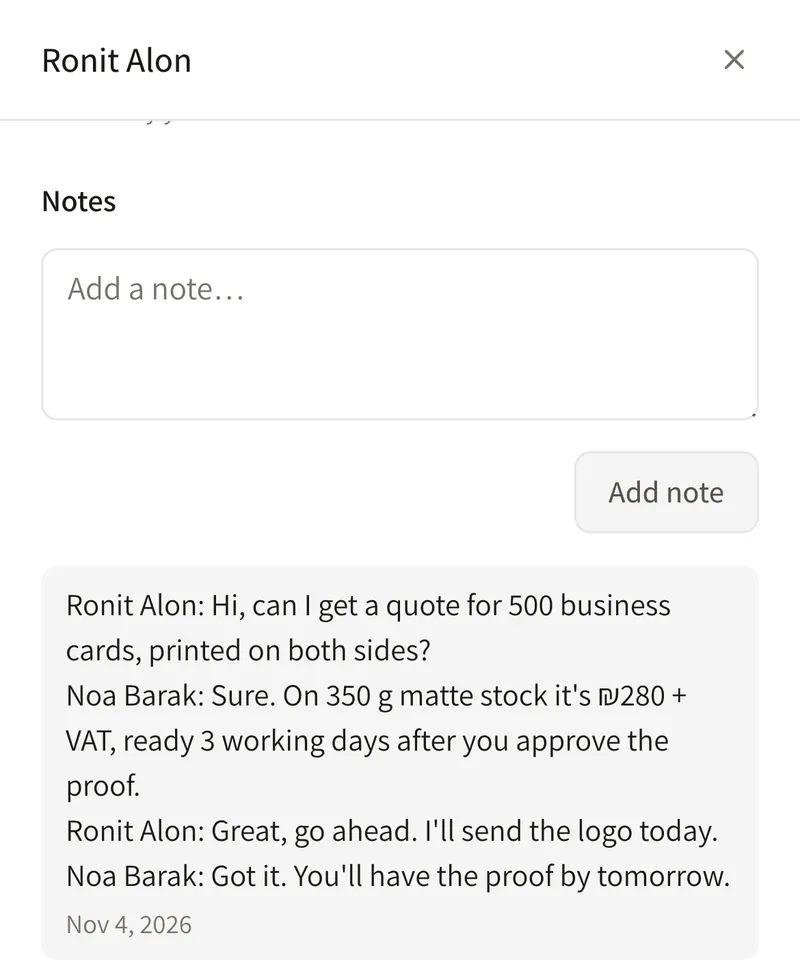
The customer sends sizes, a colour and a date on WhatsApp. Paste the chat into their card and it is saved there as a note. Files, such as a sketch or a quote, go on the customer card, and when they come back six months later their past orders are waiting there.
The chat is saved as a note
Files on the customer card
Order history
A pasted WhatsApp chat, saved as a note. Demo data from a print shop.
What’s left to do on this order?
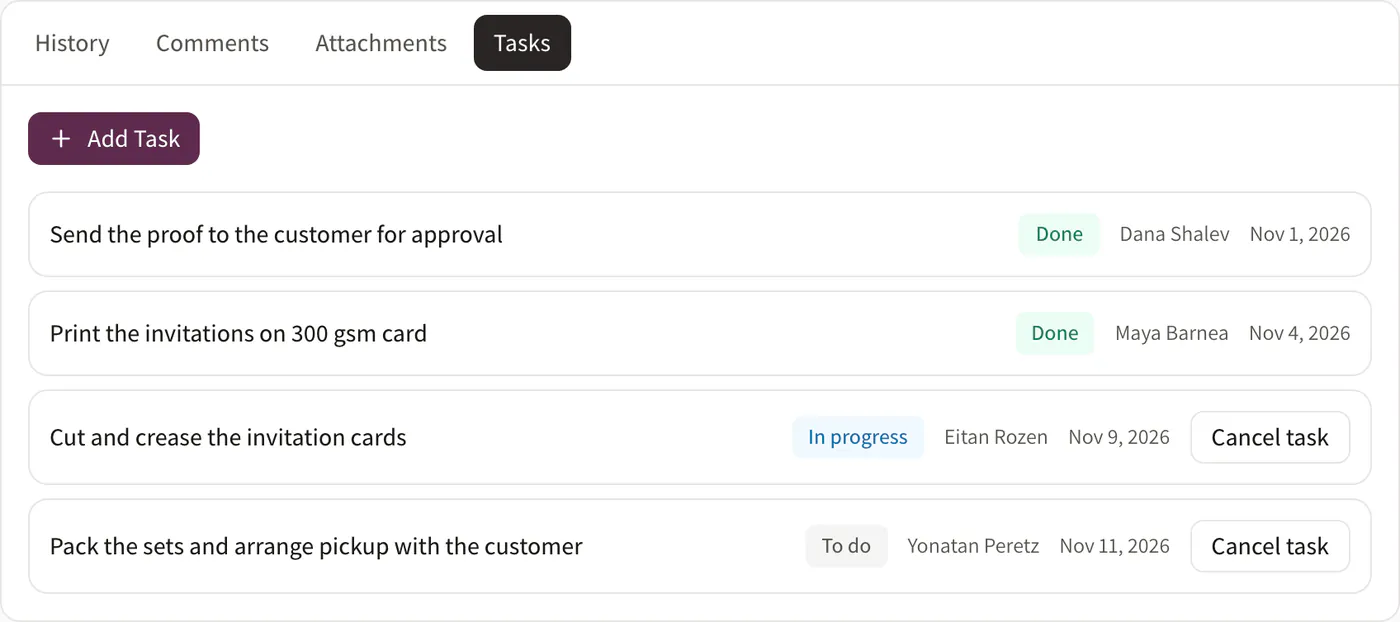
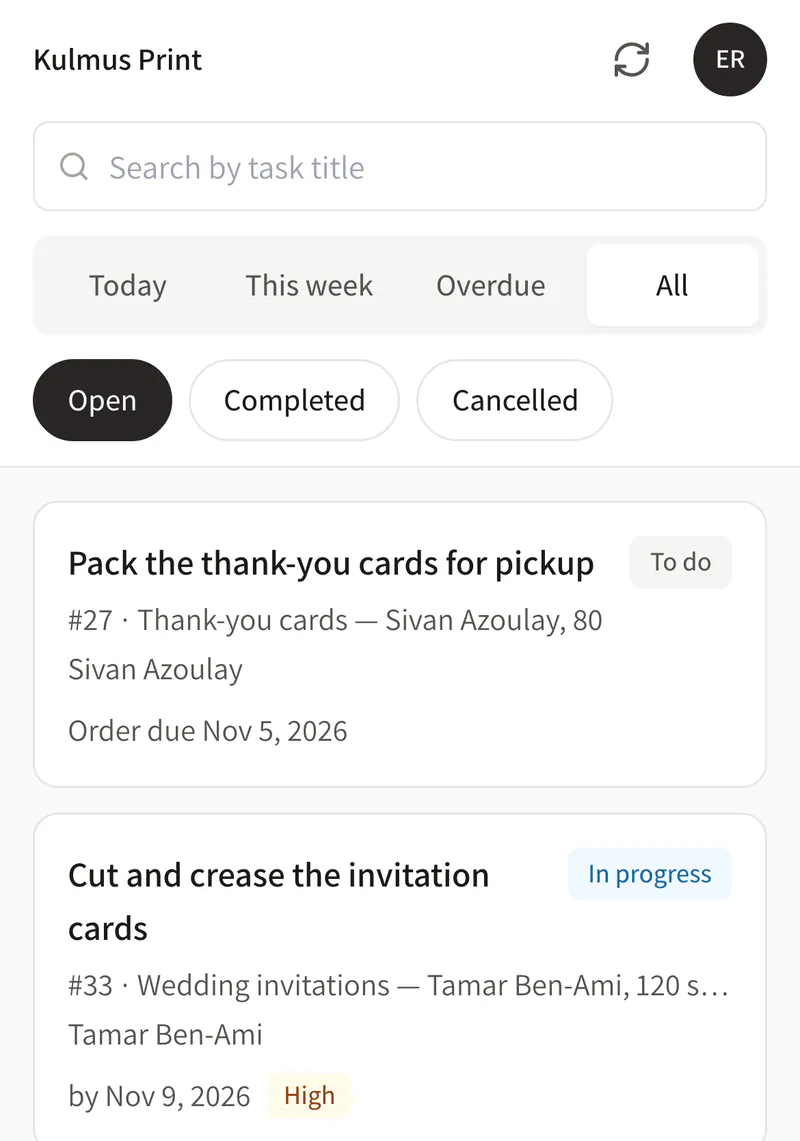
Split an order into tasks, each with a status and a due date. Tasks come with every plan, Solo included, and on your phone you see what’s due today and what’s overdue. From the Team plan you can also hand tasks to your staff.
Tasks on every plan
Status and due date
My tasks on the phone
Tasks on an order and on a phone. Demo data from a print shop.
How do you keep track of every enquiry?
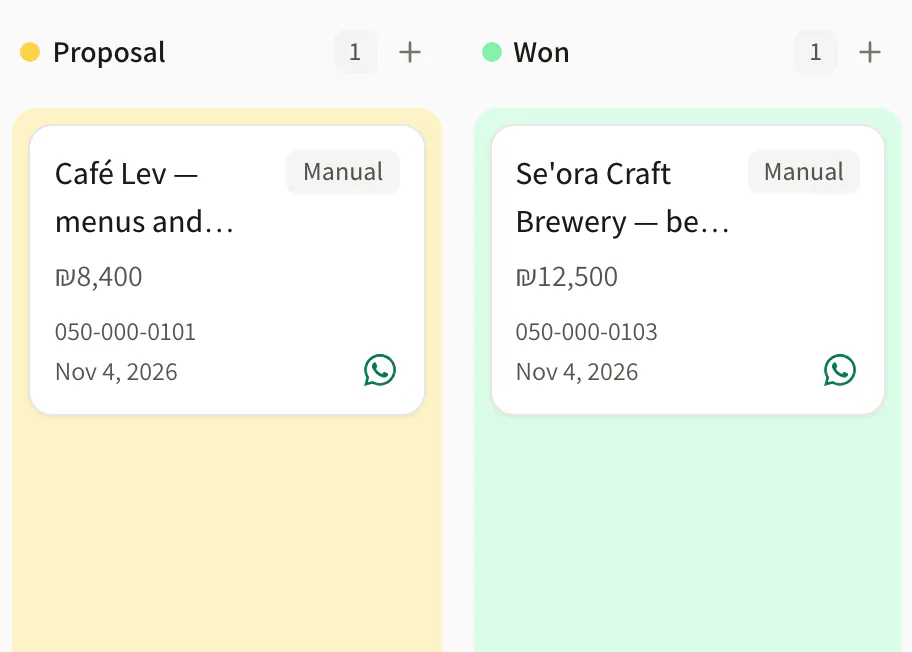
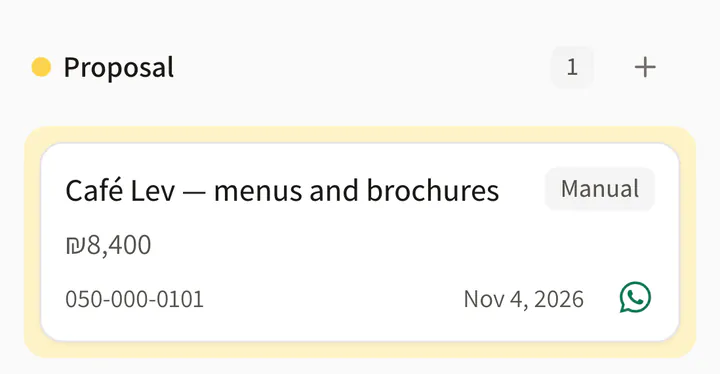
Customer management in a small business starts with enquiries. Enquiries from your website form and from Facebook and Instagram lead ads land on one lead board, and one that came by phone is added by hand. Every lead sits in its stage, so you see who is still waiting for an answer.
Leads from your site and social
Your own stages
Add one by hand
The lead board. Demo data from a print shop.
What does Dougri include for a studio or workshop?
An order list with your own statuses (nine preset colours; on Solo: from a ready-made template), order numbers and an order card.
Customer cards with their order history and files, and pasted WhatsApp chats saved as notes.
Tasks with a status and a due date on every plan, and My tasks on the phone.
A lead board by stage, with enquiries from your website, Facebook, Instagram and Calendly. LET ME sets up the connections during onboarding.
CSV import of customers and leads, and CSV export of them.
Hebrew and English, in the phone’s browser, and it installs on the home screen.
What doesn’t Dougri do yet?
Dougri is an internal system for the business, not a shop: customers don’t order through it.
Dougri doesn’t issue invoices or receipts.
No automatic WhatsApp sync: you paste the chat into the card, and tapping WhatsApp only opens WhatsApp.
No CSV export of orders. You can export customers and leads.
Which plan fits a studio or workshop?
A studio or workshop of one to three people fits Solo: CRM and simple orders in one package, with two users included and room for a third. When you have staff and want to split the work between them, move to Team. Prices and the plans side by side.
Questions from studios and workshops
Does Dougri suit a one-person business?
Yes. The Solo plan is made for a business of 1–3 people: customers, leads and simple orders in one package, with two users included. You can add a third user for ₪69 a month + VAT.
Can we keep a customer’s files?
Yes. You attach files to the customer card, such as sketches, quotes and photos, and see all their orders there. A WhatsApp chat pasted into the card is saved on it as a note.
How do we bring our customers over from Excel?
Import customers and leads from a CSV file, which any Excel sheet can be saved as. A new customer can also be added by hand.
Can we set our own statuses?
Yes, from Team up: you define the order statuses around the way you work and pick one of nine colours for each. On Solo the statuses come from a ready-made template. The order list shows at a glance what’s in progress, what’s ready and what’s been delivered.
Can my customers order through Dougri?
No. Dougri is an internal system for the business, not a shop. An enquiry from the form on your website or from a Facebook or Instagram lead ad lands on the lead board, and you take it from there.
Want to see it with your business?
A free demo, about half an hour on Zoom or by phone. We show you Dougri on orders and customers like yours.